
Convert your WhatsApp chat to a PDF
Photos, dates and page numbers, ready to read, print or share. Private by design: your chat never leaves your device.
How to turn a WhatsApp chat into a PDF
- Export the chat from WhatsApp. See how, step by step.
- Drop the file here and see your exact PDF, free.
- Download it, with photos, highlights and a clickable index by month.
Four styles, one tap to switch
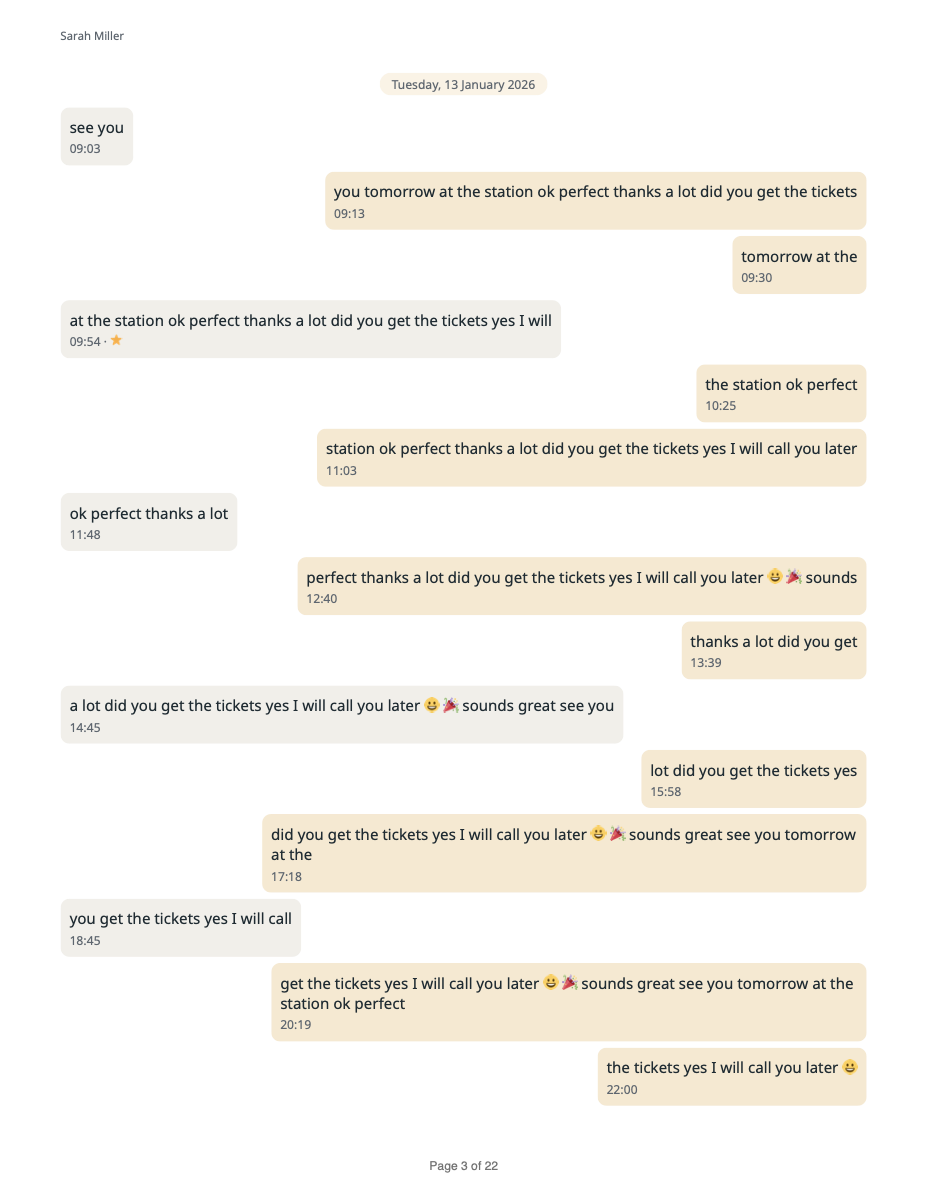
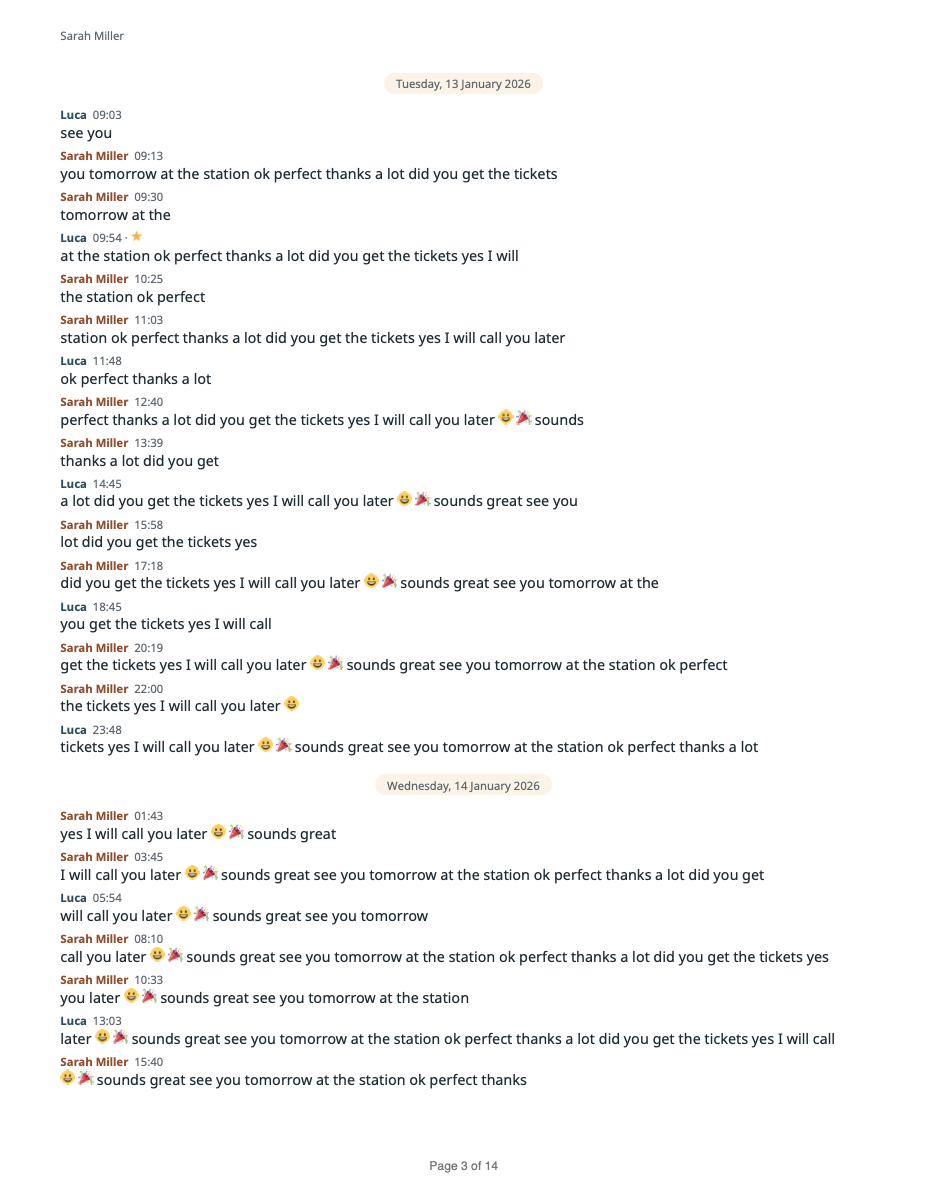
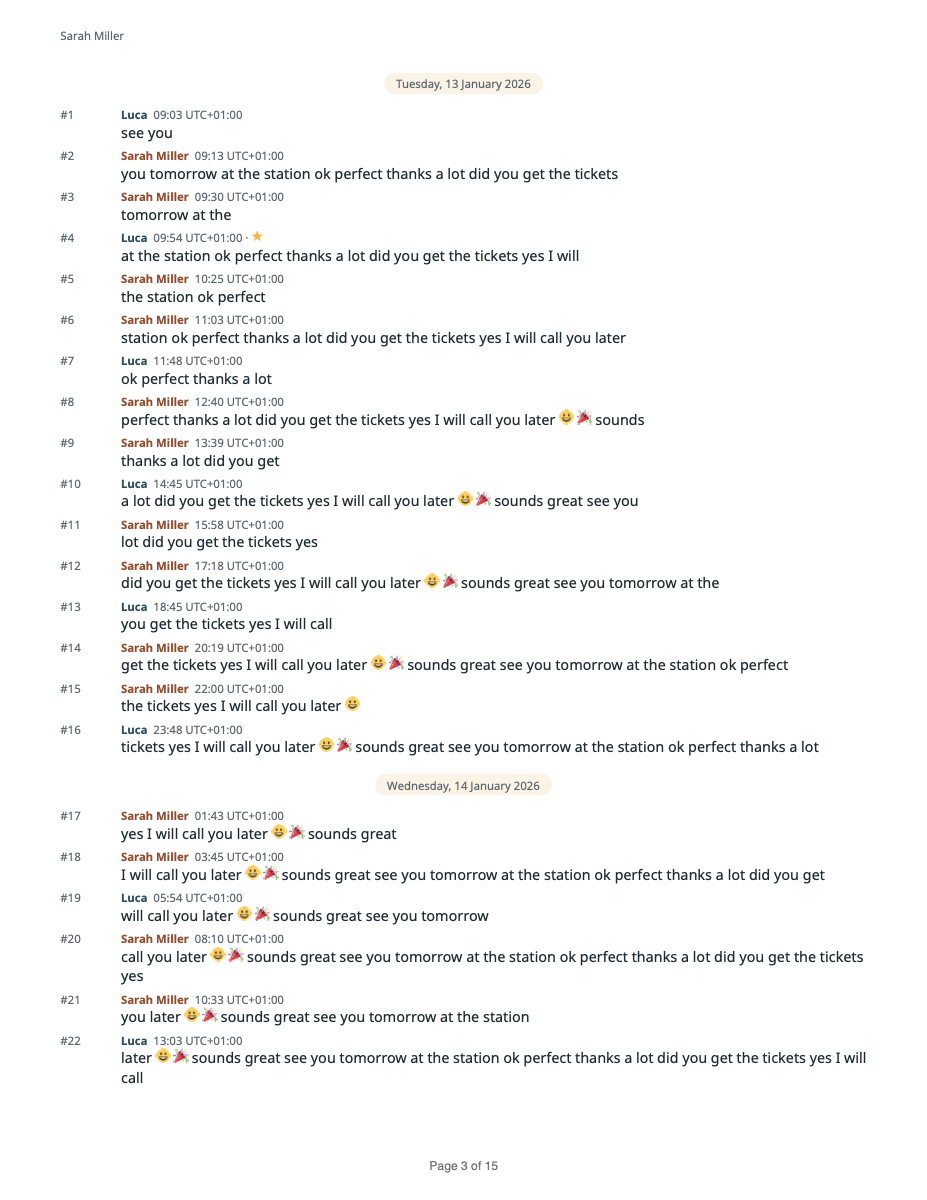
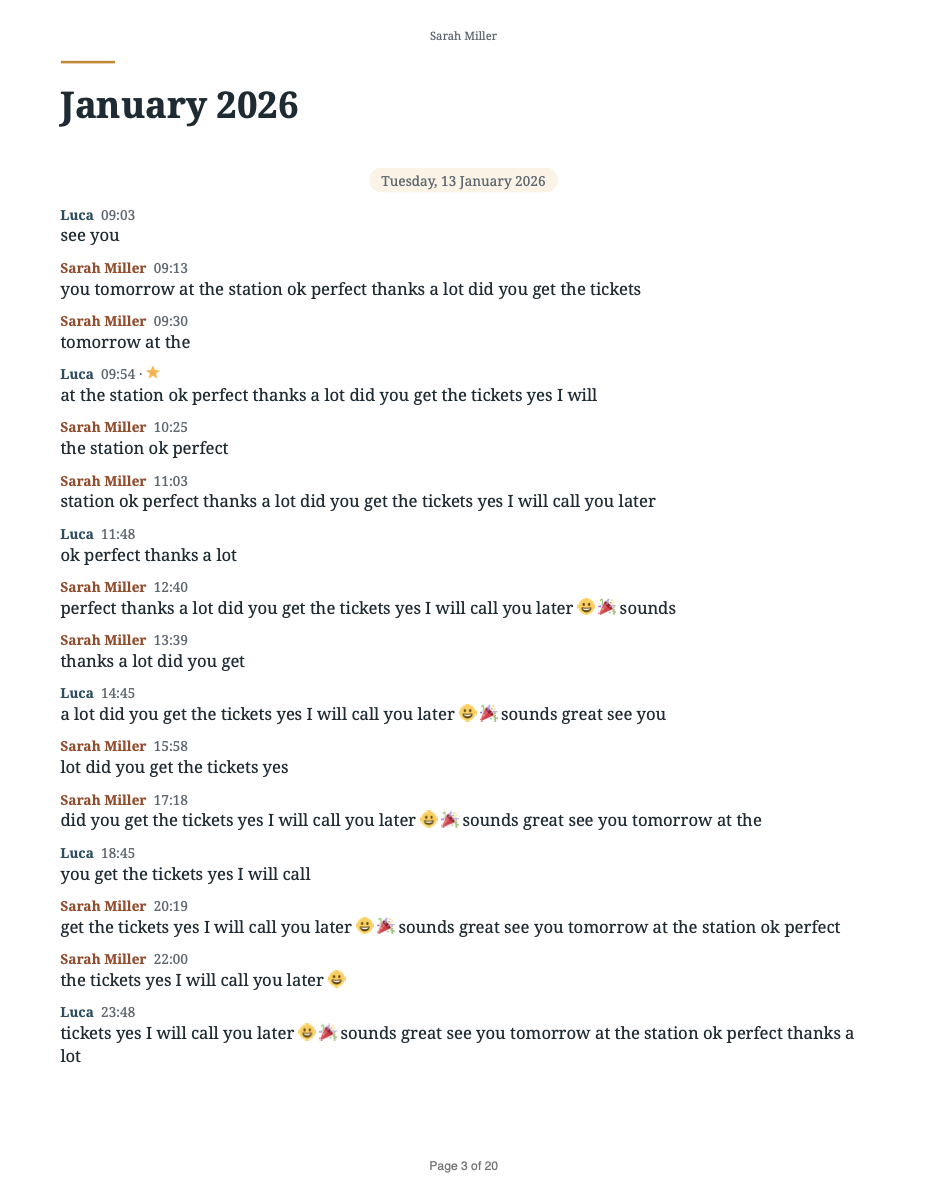
Your chat stays on your device
Amberword reads your chat and builds the PDF inside your browser. Nothing is uploaded: no server ever sees your messages, photos or names. Don't take our word for it: once your preview has appeared, turn on airplane mode and download your PDF.
Simple pricing
Free
$0
- Full preview of any chat
- Text PDF for chats up to 500 messages
- Classic and Clean styles
Complete
$9 per chat
- Any size, all four styles
- Photos, highlights, date range, index
- Free re-downloads for 30 days
Start with your chat: you choose a plan after the free preview. One-time payment. No account, no subscription.
Questions
Is my chat uploaded anywhere?
No. The file is opened and turned into a PDF by your own browser. We never receive your messages, photos or names.
How do I turn a WhatsApp chat into a PDF?
Export the chat from WhatsApp: on iPhone, tap the chat name and then Export chat; on Android, tap ⋮, More and Export chat. Then choose the file on this page and download your PDF. Here is the step-by-step guide.
How do I print WhatsApp messages?
WhatsApp has no print button. Save the chat as a PDF here and print the PDF: messages come out on numbered pages, with dates and photos. Under More options you can choose Black and white, for printing and Large text. See how to print WhatsApp messages.
Which phones and languages work?
Exports from iPhone and Android, made in English, Italian, Spanish, German, French or Portuguese.
Are photos included?
Yes, if you export the chat with media ("With all media" on iPhone, "Include media" on Android). Videos, voice messages and documents appear as labelled placeholders with their file name.
Can I use the PDF as a record for a lawyer or HR?
Many people use the Records style for this: messages are numbered, times show the time zone and the cover shows a fingerprint (SHA-256) of the original export file. Amberword does not certify authenticity: ask your lawyer what your case needs. More on WhatsApp messages as evidence.
My chat is very long. Will it work?
Yes. Chats with tens of thousands of messages work. On a phone, a long chat with many photos can take a minute or two.
Can I get a refund?
You see your exact PDF before you pay. If it cannot be generated or comes out defective and we cannot fix it, we refund you. Details on the refund page.